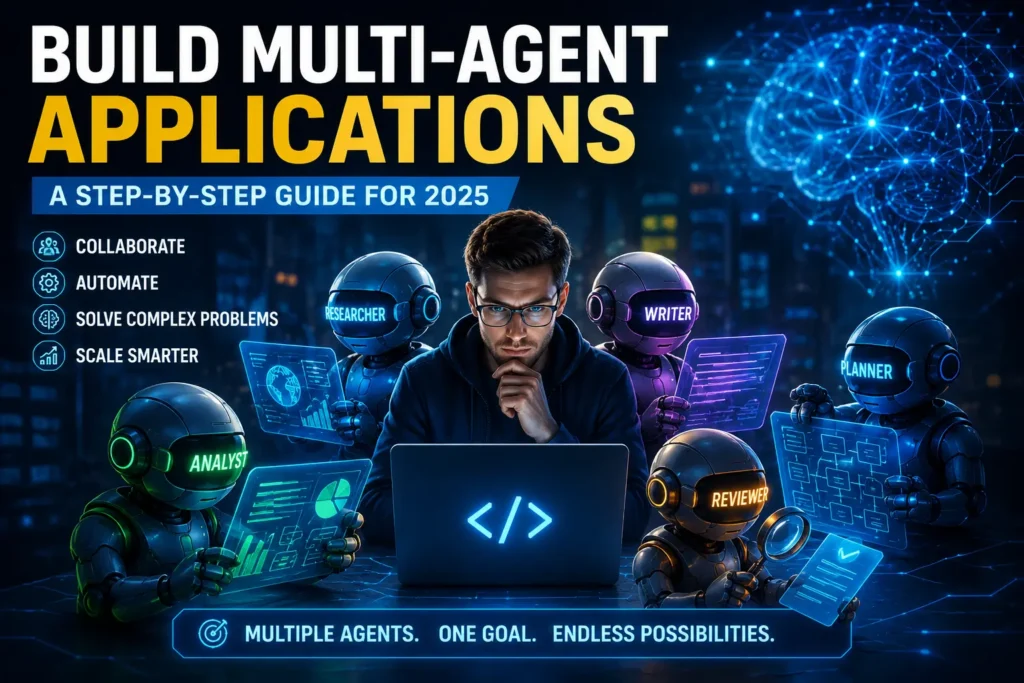

So you want to build multi-agent applications? Good, you’re in the right place. Software is shifting away from the old one-AI-does-everything model. Now you split the work across several agents, and they tackle the task as a team.
It’s 2026, and this shift is happening fast. Developers are automating pipelines with it, running research tasks, even handling customer support. By the end of this guide, you’ll know what these systems actually are, why they matter, and exactly how to build one from scratch.
What is a multiagent application?
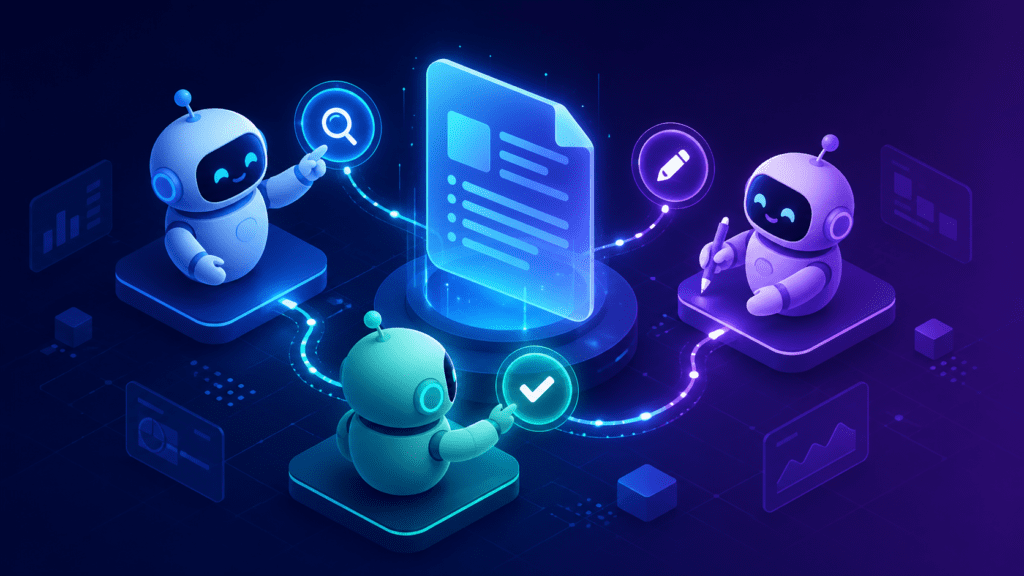
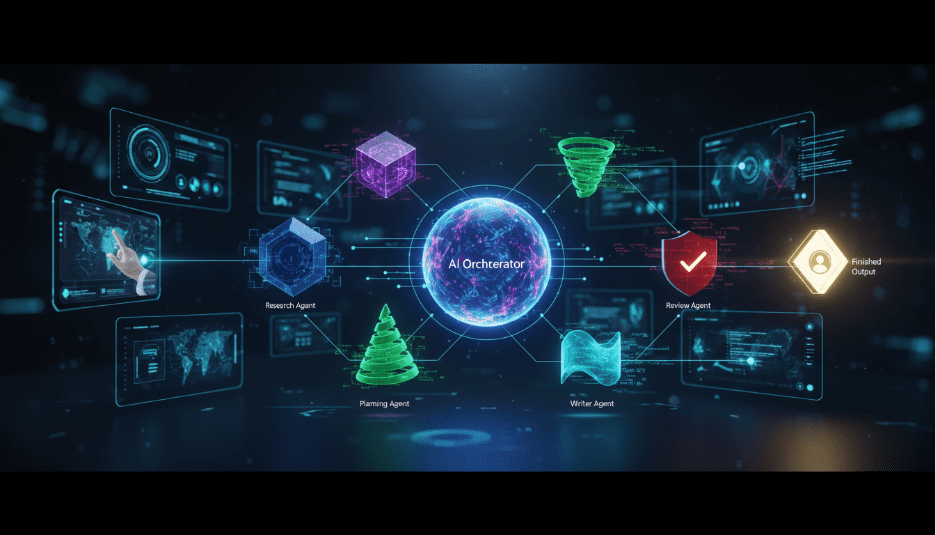
A multi-agent application is basically a system where several AI agents work together to get a task done. Each one has a specific role. One might handle the web search, another writes up the text, and a third double-checks the output before anything goes out. Put together, they can handle jobs that would trip up a single agent working alone.
It’s a lot like a team at work. One person does the research, another writes the report, and someone else reviews it before it ships. Each person sticks to what they’re good at, and agents work the same way — every agent just focuses on its own job.
On top of that, these systems can run tasks in parallel. So instead of waiting on one agent to finish everything step by step, complex jobs get done in a fraction of the time.
Multi-Agent Applications: A Must by 2026
AI tasks keep getting more complex, and a single model can only do so much in one go before it starts to struggle. That’s where multi-agent applications come in — you break the hard problem into smaller pieces, let each agent solve one piece, and combine the results into a full solution.
Take an AI research tool as an example. It might need to search online, summarize articles, and write a report. Ask one agent to do all three, and you’ll probably get a sloppy result with mistakes scattered throughout. Split the same job across three agents, though, and each step gets handled cleanly.
Furthermore, businesses now use these systems for real work. Customer service teams, marketing pipelines, and software testing tools all use multi-agent designs. As a result, knowing how to build these systems is a key skill in 2026.
Concepts You Need to Know Before Building
What is an AI agent?
An AI agent is a program that can take actions based on a goal. It reads input, decides what to do next, and produces output. For instance, an agent might read a question and decide to search the web for an answer.
Most agents use a large language model (LLM) as their brain. The LLM decides what to do. Then the agent uses tools such as web search, code runners, or databases to act on that decision.
How do agents talk to each other?
Agents in a multi-agent system talk to each other through messages. One agent sends a result, and the next agent reads it and acts on it. This is called a message-passing system.
In addition, some frameworks use shared memory. All agents can read from and write to the same memory space. This helps agents stay in sync during long tasks.
What is an orchestrator?
An orchestrator is the agent that controls the flow. It decides which agent runs next. For example, after the research agent finishes, the orchestrator tells the writing agent to start. Think of it as the project manager of the system.
Popular Frameworks for Multi-Agent System Development
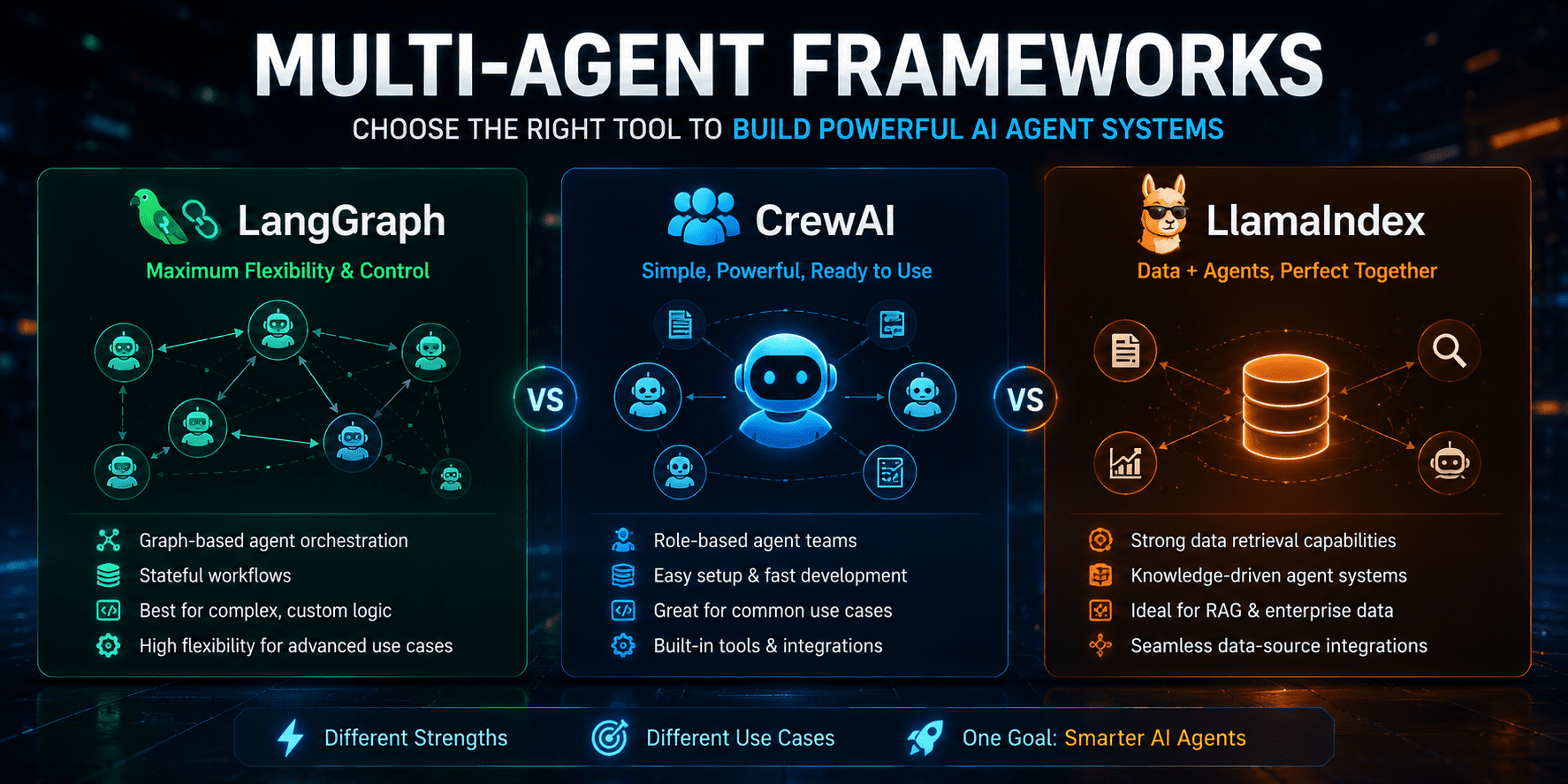
LangGraph
LangGraph is a framework from LangChain. It uses a graph structure to manage agent workflows. You define nodes (each agent) and edges (the connections between them). As a result, you get a clear map of how your system flows.
LangGraph works well for systems where the order of steps matters. It also supports cycles, which means an agent can loop back and retry a step if something goes wrong.
Crew AI.
CrewAI is built for teams of agents. You define each agent with a role, a goal, and a set of tools. Then you create a crew and assign tasks. CrewAI handles the coordination automatically.
For instance, you can create a Researcher agent and a Writer agent. CrewAI will run the Researcher first, pass the results to the Writer, and return a finished output. Moreover, it is easy to set up and great for beginners.
OpenAI Agents Software Development Kit
The OpenAI Agents SDK lets you build agents using OpenAI models. It supports handoffs, where one agent passes control to another. Furthermore, it includes built-in tools like web search and code execution.
This SDK is a good choice if you already use OpenAI models. It is clean and well-documented. However, it works best when you stay within the OpenAI ecosystem.
Quick Comparison Table
| Feature | Built By | Best For | Learning Curve | Status |
| Graph-based flow | LangChain | Complex pipelines | Medium | Stable |
| Role-based agents | CrewAI Inc. | Team-style tasks | Low | Active |
| Handoff system | OpenAI | OpenAI users | Low | Active |
| Multi-framework | Microsoft | Research/Enterprise | High | Stable |
Each framework has its strengths. Above all, choose the one that fits your skill level and your project needs.
Multi-Agent Systems Components
Tools & Utilities
Every agent needs tools to act in the world. Tools are functions the agent can call. For example, a web search tool lets the agent search Google. A code tool lets it run Python code.
In most frameworks, you define tools as Python functions and pass them to the agent. The LLM decides when to call each tool based on the task at hand.
Memory and location.
Agents need memory to track what has happened so far. Short-term memory holds the current conversation. Long-term memory stores facts the agent should remember across sessions.
Additionally, state management keeps track of where the system is in the workflow. For instance, if the research step is done, the state records that so the next agent knows to start writing.
Human-in-the-Loop
Sometimes an agent needs approval before it takes an action. This is called human-in-the-loop design. For example, before sending an email, the system asks a human to review it first.
Most frameworks support this feature. Moreover, it is a good safety measure when your agents are doing real-world tasks like making API calls or sending messages.
Building Multi-Agent Systems: A Practical Approach
Ready to build your first one? Here’s a walkthrough using Python and CrewAI.
Step 1: Get the Framework
Open a terminal window and install CrewAI with this command:
pip install crewai-tools
Grab your API key from OpenAI next, and export it as an environment variable on your machine.
Step 2: Defining your agents
Now create your agents in Python. Each one needs a role, a goal, and a backstory — here’s a Researcher and a Writer:
from crewai import Agent researcher = Agent( role="Researcher", goal="Find the latest facts on the given topic", backstory="You are a skilled online researcher.", verbose=True ) writer = Agent( role="Writer", goal="Write a clear and simple article", backstory="You are a professional content writer.", verbose=True )
Step 3: Create Tasks
Each agent needs a task that spells out exactly what to do and what the output should look like:
from crewai import Task research_task = Task( description="Research the topic: AI in healthcare", expected_output="A list of 5 key facts", agent=researcher ) write_task = Task( description="Write a 300-word article based on the research", expected_output="A clean article in plain English", agent=writer )

Step 4: Build and Run the Crew
Put your agents and tasks together into a crew, then run it:
from crewai import Crew crew = Crew( agents=[researcher, writer], tasks=[research_task, write_task], verbose=True ) result = crew.kickoff() print(result)
Run the script, and you’ll see the researcher go first, then the writer pick up its results and turn them into a finished article..
Step 5: Try, try once more
Once it runs, don’t just trust the output blindly — check what each agent actually produced. If something feels off, tweak the agent goals or task descriptions and try again.
It’s also worth building in basic error handling early on. If the researcher comes back empty, for instance, the system should retry or flag it for you instead of failing silently. Testing each agent on its own is honestly the difference between a system that works and one that breaks the moment something unexpected happens.
Common Mistakes You Should Avoid
TheMany developers make these errors when they first build multi-agent applications. Avoid them to save time.
- First, avoid giving agents too many tasks at once. Keep each agent focused on one clear job.
- Furthermore, do not skip testing individual agents. Test each one before connecting them together.
- Also, never forget to set clear output formats. Vague outputs cause the next agent to get confused.
- Moreover, avoid long agent chains without checkpoints. Break the pipeline into smaller sections you can review.
- Finally, do not ignore rate limits. If your agents call an API too often, your system will fail.
Each of these mistakes slows down your project. In fact, most debugging time comes from skipping one of these steps early on.
Which framework should I use?
The best framework depends on your project and your experience level. Here is a simple way to decide.
If you are a beginner, start with CrewAI. It is the easiest to learn. You can build a working two-agent system in under an hour. Moreover, it has clear documentation and active community support.
If you need fine-grained control over the flow, choose LangGraph. It is ideal when your pipeline has complex branching logic. However, it has a steeper learning curve than CrewAI.
On the other hand, if your project runs entirely on OpenAI models, the OpenAI Agents SDK is the cleanest option. It is fast to set up and well-supported. For enterprise-level systems with many teams and agents, Microsoft AutoGen is worth exploring. That said, AutoGen takes more time to master.

Questions and Answers
Multi-agent app development? What does that mean?
Multi-agent applications are applications where many AI agents work together to build a system. Each agent plays a distinct role in a task. An agent conducts a study. One writes. They work together to do complicated things. Faster. More accurately.
What language of programming do you require?
The most popular is Python. Most of the frameworks like CrewAI, LangGraph, and AutoGen have Python libraries. Also, Python has a large community, so it is easy to get help. Start with Python, but JavaScript is becoming more popular.
Can we design multi-agent applications on a low-power computer?
No, you don’t need beefy hardware. Heavy work goes through the APIs in the cloud. Your computer just acts as a proxy to send requests to LLM providers like OpenAI. So you can start building with a basic laptop.
How do agents share information in multiagent systems?
Agents communicate information either in the form of messages or by sharing memory. In most frameworks, one agent performs a task and passes the result to another agent. Moreover, some systems have a shared memory object that all the agents can read and write. This guarantees that all agents are aligned in the workflow.
How Much Does Running A Multi-Agent Application Cost?
It depends on the number of agents you use and how frequently they call LLM APIs. Each agent call will be charged against tokens. But you can save money with short prompts and caching repeated results. Begin with simple 2-agent systems—keep costs low as you learn.
Conclusion
Learning to build multi-agent applications is one of the most valuable skills in AI development right now. These systems let you break hard problems into manageable steps. Each agent focuses on one thing and does it well.
In summary, start simple. Use CrewAI for your first project. Then, as your confidence grows, explore LangGraph or the OpenAI Agents SDK for more control. Moreover, always test each agent alone before connecting them.
Most importantly, keep iterating. The first version of your multi-agent application will not be perfect. However, each test will teach you something new. With practice, you will build systems that are fast, reliable, and genuinely useful.