
Flutter development moved fast in 2026. The tooling around it moved even faster. AI tools for Flutter developers are no longer a nice-to-have they’re quietly becoming the difference between shipping in a week and shipping in a month. But the options are scattered, and not all of them actually understand Dart or Flutter’s widget tree well enough to be useful.
This post cuts through the noise. These are the AI tools that actually work for Flutter developers in 2026, what each one is genuinely good at, and which ones you should probably skip.
Two Types of AI Tools Flutter Developers Actually Need
Before picking a tool, it helps to know which problem you’re solving. There are two distinct categories here, and they serve different needs.
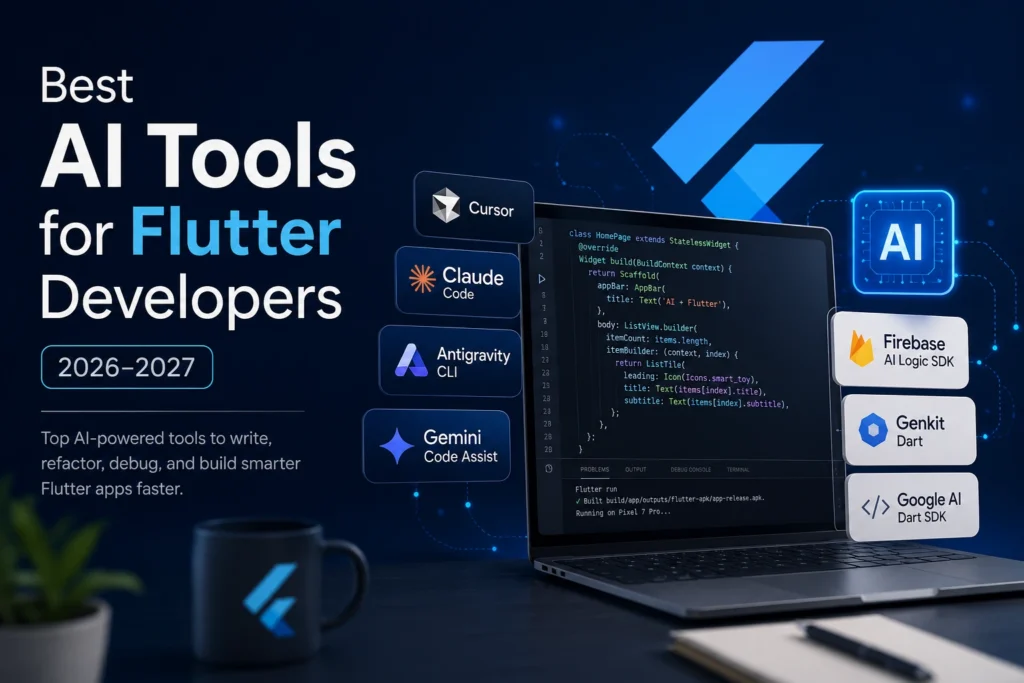
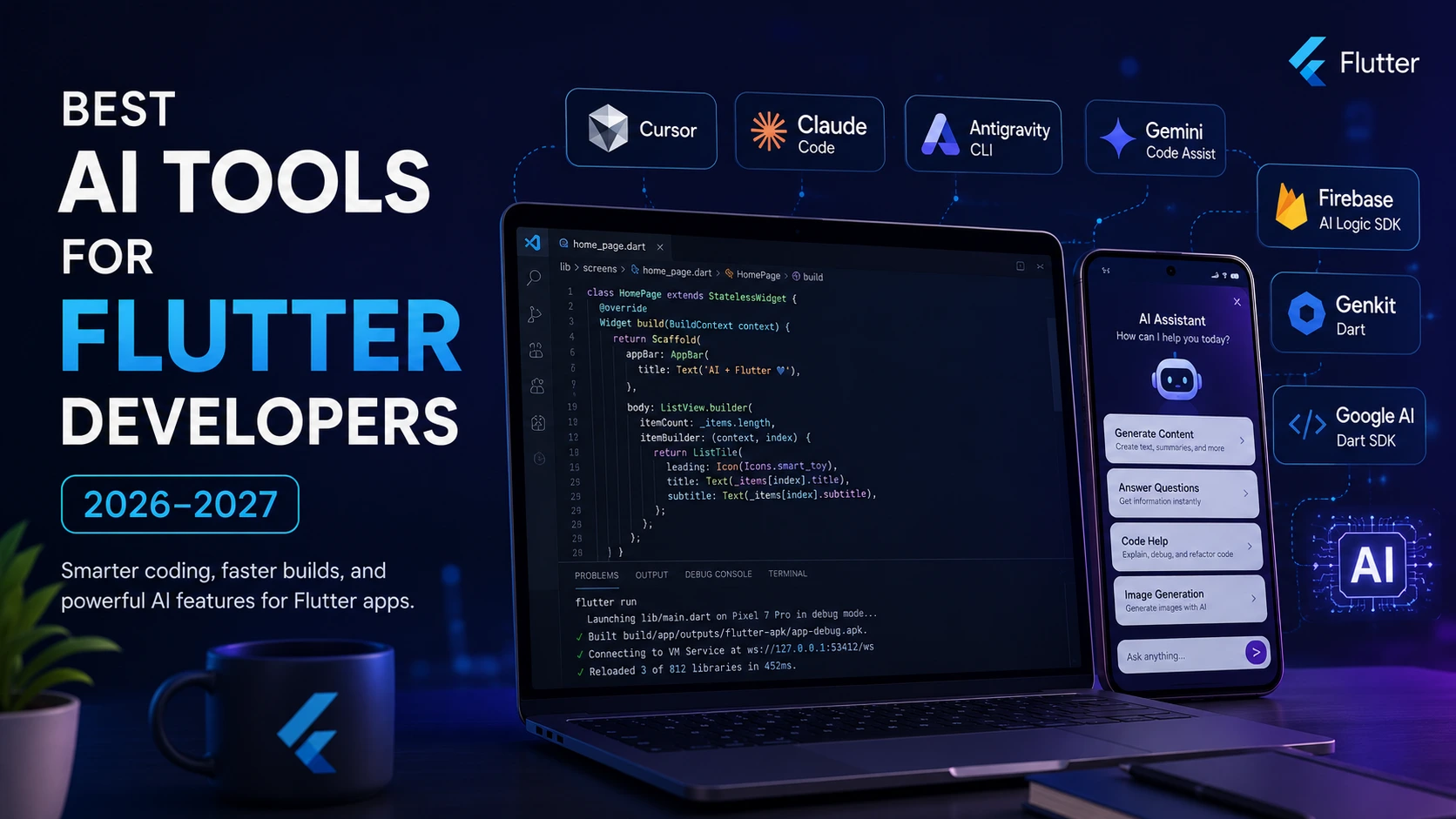
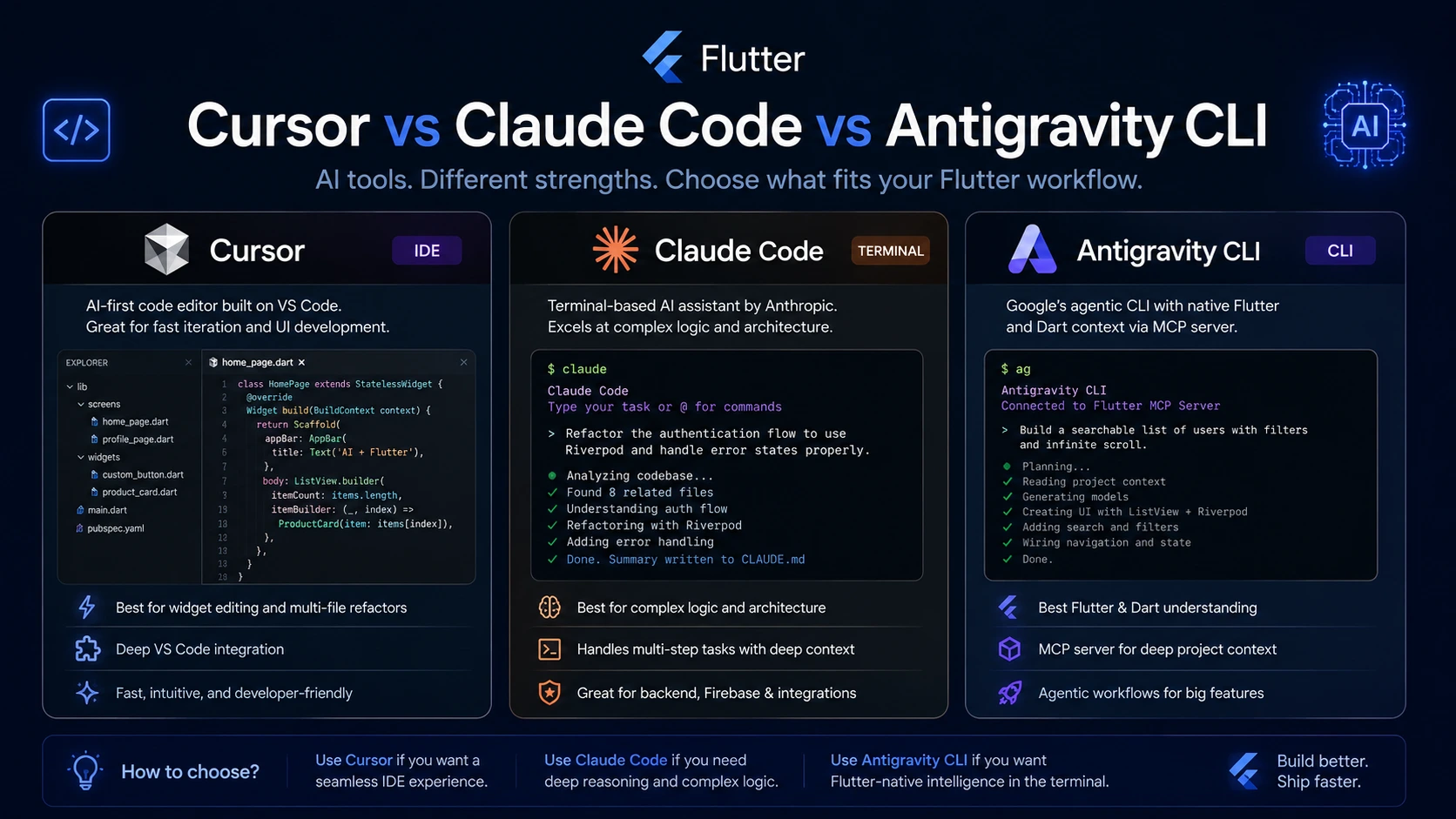
The first is workflow AI tools that help you write, refactor, and debug Dart code faster. Think Cursor, Claude Code, Antigravity CLI, and Gemini Code Assist. These sit inside or alongside your editor and handle the development side of your workflow.
The second is in-app AI SDKs and frameworks you integrate directly into your Flutter app to add AI features for your users. Firebase AI Logic SDK, Genkit Dart, and the Google AI Dart SDK live here. These are what you reach for when you want to add a chatbot, generate content, or run a model inside the app itself.
Most Flutter developers need both at some point. The confusion usually comes from mixing them up.
Best AI Tools for Flutter Developer Workflow in 2026
Antigravity CLI The Flutter-Native Pick
Antigravity is Google’s agentic coding tool and it has something the others don’t: a native Dart and Flutter MCP server. This means the AI actually understands Flutter’s widget tree, knows common packages like Riverpod, Dio, and GoRouter, and can plan multi-step changes across your codebase rather than just suggesting line-by-line completions.
Flutter’s official documentation now lists Antigravity as a recommended development tool, alongside Gemini Code Assist. For Flutter specifically, this is probably the most context-aware option available in 2026. It replaced Gemini CLI after that was retired in June 2026.
Cursor Best for Widget Editing
If you live in VS Code, Cursor is still the most polished agentic editing experience. It handles multi-file Dart refactors well, understands widget trees reasonably well with proper context, and the edit-run-iterate loop feels fast. The $20/month Pro plan is where most Flutter developers land the free tier hits limits quickly for daily use.
Cursor doesn’t have Flutter-specific intelligence baked in the way Antigravity does, but adding a .cursorrules file with your state management approach, package list, and code style gets it close. Worth the setup time.
Claude Code Best for Complex Logic
For the heavier lifting complex state management architecture, Firebase security rules, API integration, multi-screen navigation flows Claude Code is where a lot of Flutter developers are reaching in 2026. It’s terminal-based, which some people dislike, but it handles long multi-step tasks without losing context the way chat-based tools tend to.
Available on Claude Pro ($20/month) and up. If you’re already paying for Claude, it’s included. For pure Flutter widget work, Cursor edges it but for backend integration and architectural decisions, Claude Code is hard to beat.
Best AI Tools for Adding AI Features Inside Flutter Apps
Firebase AI Logic SDK
This is the official Firebase SDK for using Gemini directly inside Flutter apps no separate backend required. You call the Gemini Developer API or Vertex AI from your Flutter code, handle streaming responses, and get type-safe Dart APIs throughout. If you’re already using Firebase in your app (and most Flutter developers are), this is the lowest-friction path to adding AI features.
Works on the free Spark plan for development. Production apps should move to Blaze pay-as-you-go. The Flutter AI Toolkit on pub.dev includes pre-built chat widgets that plug directly into this SDK, which cuts the UI work significantly.
Genkit Dart
Google’s open-source AI framework now has full Dart support. It’s the right tool when your AI logic is complex enough to need a backend flows, streaming, multiple model providers, observability, and a built-in dev UI for testing prompts. You can run the AI logic client-side in the Flutter app, call backend flows from Flutter, or proxy model requests through a Genkit backend.
Steeper learning curve than the Firebase SDK, but more flexible. Worth it for apps where AI is a core feature rather than a side panel.
AI Tools for Flutter Developers Quick Comparison
| Tool | Type | Free Tier | Best For Flutter Devs |
| Antigravity CLI | Agentic CLI | Yes (limited) | Terminal-based Flutter workflows, MCP support |
| Cursor | IDE (VS Code) | Yes (limited) | Widget editing, multi-file Dart refactors |
| Claude Code | Terminal agent | Via Claude.ai Pro | Complex state management, Firebase integration |
| Gemini Code Assist | IDE plugin | Yes | Dart-native suggestions, Flutter MCP server |
| Firebase AI Logic SDK | In-app SDK | Spark plan free | Adding Gemini AI features inside Flutter app |
| Genkit Dart | Framework | Open source | Building backend AI flows for Flutter apps |
| FlutterFlow | Low-code | Free tier | Visual UI building with AI code generation |
Common Mistakes Flutter Developers Make With AI Tools
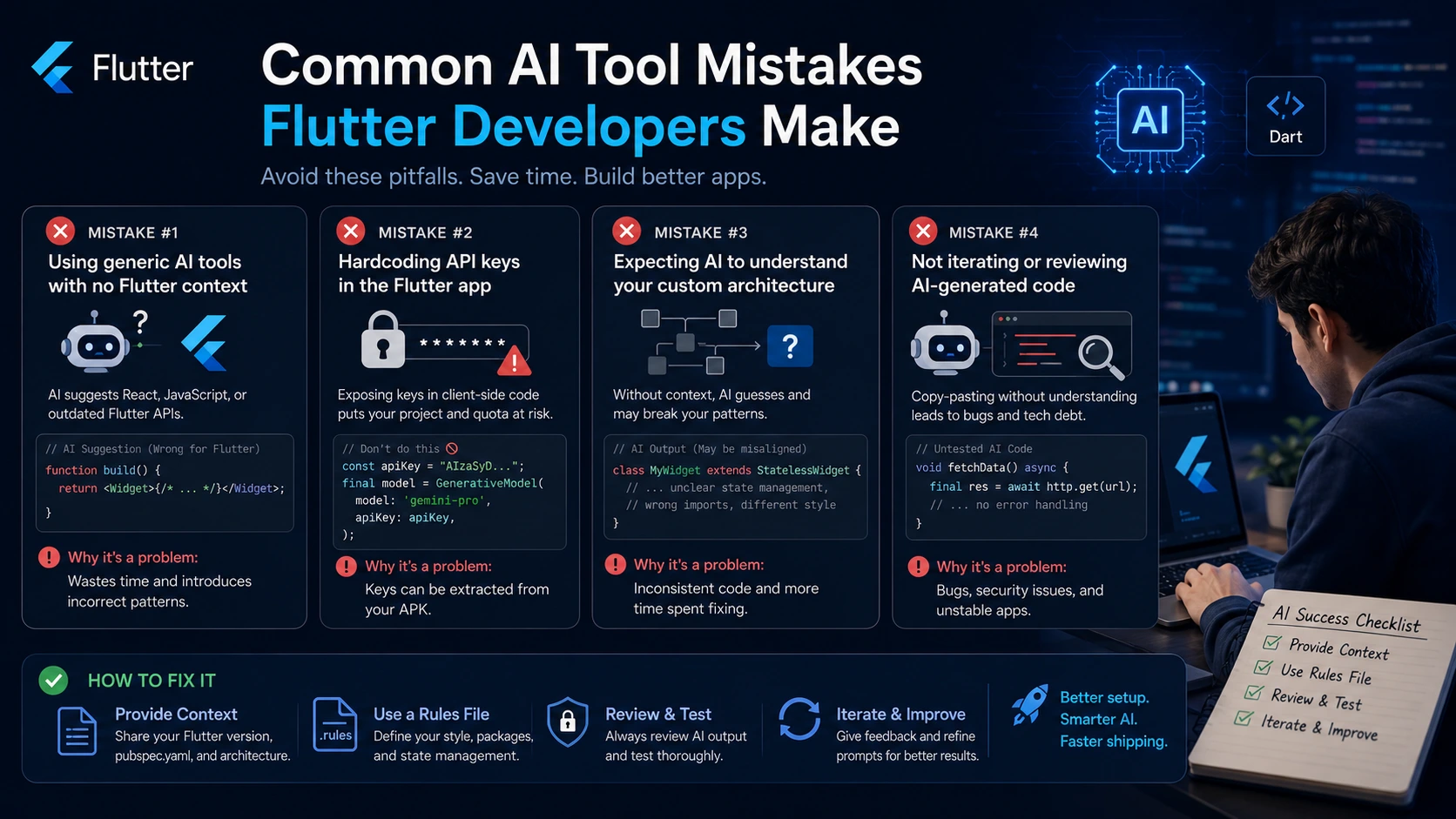
Using a generic coding agent with no Flutter context. ChatGPT and basic Copilot completions often suggest React patterns, JavaScript state management approaches, or outdated Flutter APIs. Always add a rules file or system prompt that specifies your Flutter version, state management library, and key packages.
Hardcoding API keys in the Flutter app. This one keeps showing up. Never put your Gemini or OpenAI API key directly in Dart code it’s extractable from the APK. Route requests through a backend or use Firebase AI Logic SDK which handles key security for you.
Expecting AI to understand your custom widget architecture without context. If your app has custom base widgets, a design system, or specific patterns, tell the AI tool upfront. Cursor’s .cursorrules and Antigravity’s rules file both exist for exactly this reason. Ten minutes of setup saves hours of garbage suggestions.
Frequently Asked Questions
Gemini Code Assist is the easiest starting point it’s free, installs as a VS Code extension, and has native Flutter awareness through the Dart and Flutter MCP server. Antigravity CLI is better once you’re comfortable with terminal-based tools.
Yes, reasonably well. It’s not Flutter-native the way Antigravity is, but it handles complex Dart logic, Firebase integration, and multi-file refactors well. Give it your pubspec.yaml and a description of your architecture at the start of a session and it performs significantly better.
Firebase AI Logic SDK plus the Flutter AI Toolkit on pub.dev is the fastest path. You get pre-built chat UI widgets, streaming support, and direct Gemini integration without building a backend. For more control over the model or provider, Genkit Dart gives you more flexibility at the cost of more setup.
For your development workflow: start with Antigravity CLI or Cursor depending on whether you prefer terminal or editor. Both have free tiers. Add Claude Code if you’re doing heavy backend or architectural work.
For in-app AI features: Firebase AI Logic SDK for most apps, Genkit Dart when AI is core to the product and you need backend flexibility.
The Flutter ecosystem has caught up with the broader AI tooling wave. The tools that didn’t understand Dart a year ago mostly do now. Pick one from each category, spend an hour on the setup, and you’ll feel the difference immediately.