
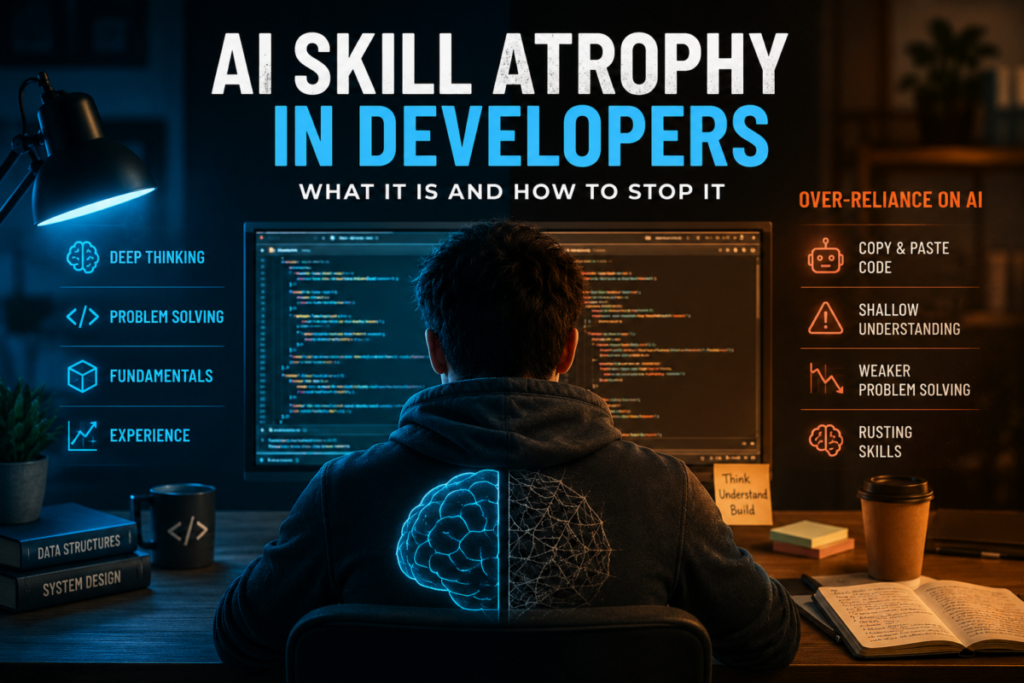

AI skill atrophy in developers is one of the least discussed but most documented problems of 2026. While 84% of developers now use AI coding tools daily, the Chainguard Engineering Reality Report found they spend only 16% of their week writing new code. The other 84% goes to maintenance, debt repayment, and fixing AI output. The productivity tools are shipping more code. The developers using them are getting less practice at the skills that actually require thinking.
This is not an argument against AI. The productivity gains are real. But AI skill atrophy is also real — and unlike most developer problems, it builds silently until one day you sit down to debug a concurrency issue or design a system from scratch and realize the skill has quietly rusted. This post covers what the data actually shows, which skills are most at risk, and what to do about it.
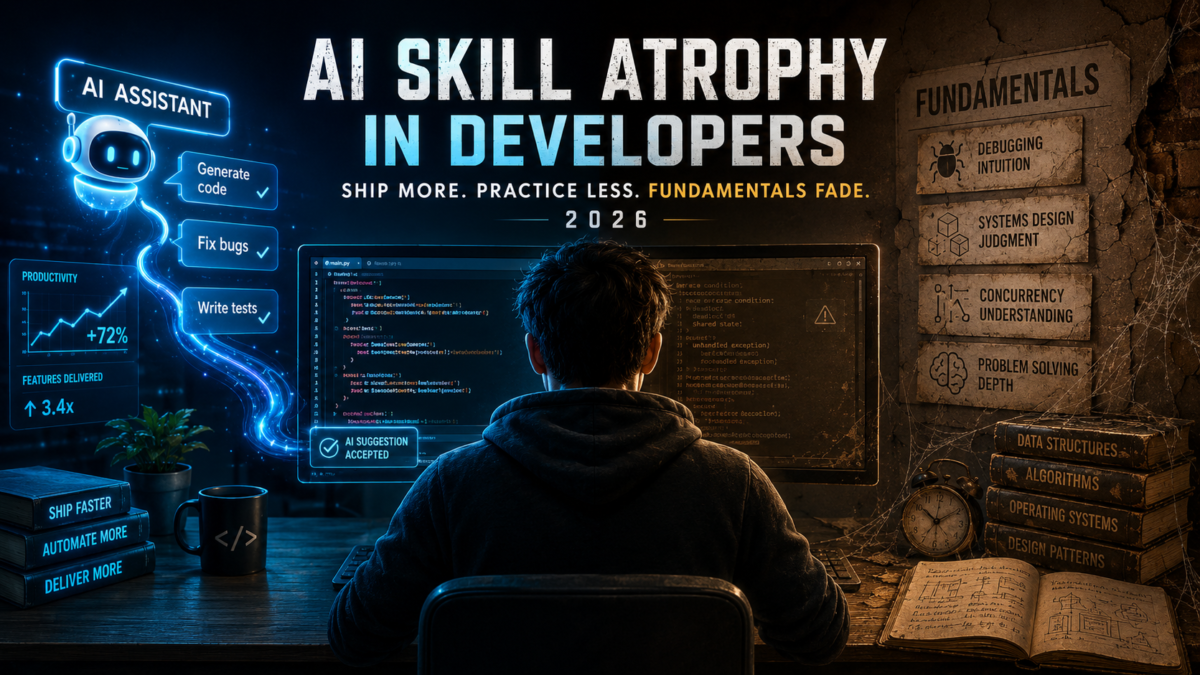
What the Data Shows About AI Skill Atrophy
The numbers are worth sitting with. Stack Overflow’s 2025 Developer Survey (49,000+ respondents) found that while 84% of developers use AI tools, only 29 to 33% fully trust the output. That gap — near-universal adoption, near-majority distrust — is the fingerprint of a tool people use out of pressure or habit rather than confidence.
A controlled study cited by TianPan.co found that developers using AI coding assistance encountered a median of one error per session, compared to three for developers working without AI. That sounds like a win until you consider what those extra errors were doing: cognitive work, the kind that builds debugging intuition, pattern recognition, and the instinct for where bugs hide. AI users got the same result faster. They also got less practice at getting there.
Stanford’s Digital Economy Lab found that software developer employment for ages 22 to 25 fell nearly 20% from its late 2022 peak by mid-2025. Entry-level tech hiring dropped 25% year-over-year in 2024. The traditional pathway from junior to senior is under pressure not just from economic forces but from a structural one: if AI handles the boilerplate and scaffolding that juniors used to learn on, the learning pathway narrows. AI skill atrophy developers experience today is already showing up in hiring data.
AI Skill Atrophy: Which Developer Skills Are Most at Risk
Not all skills atrophy at the same rate. The ones at highest risk are the ones AI handles most often and most confidently — which are also the ones developers practice least when using AI heavily.
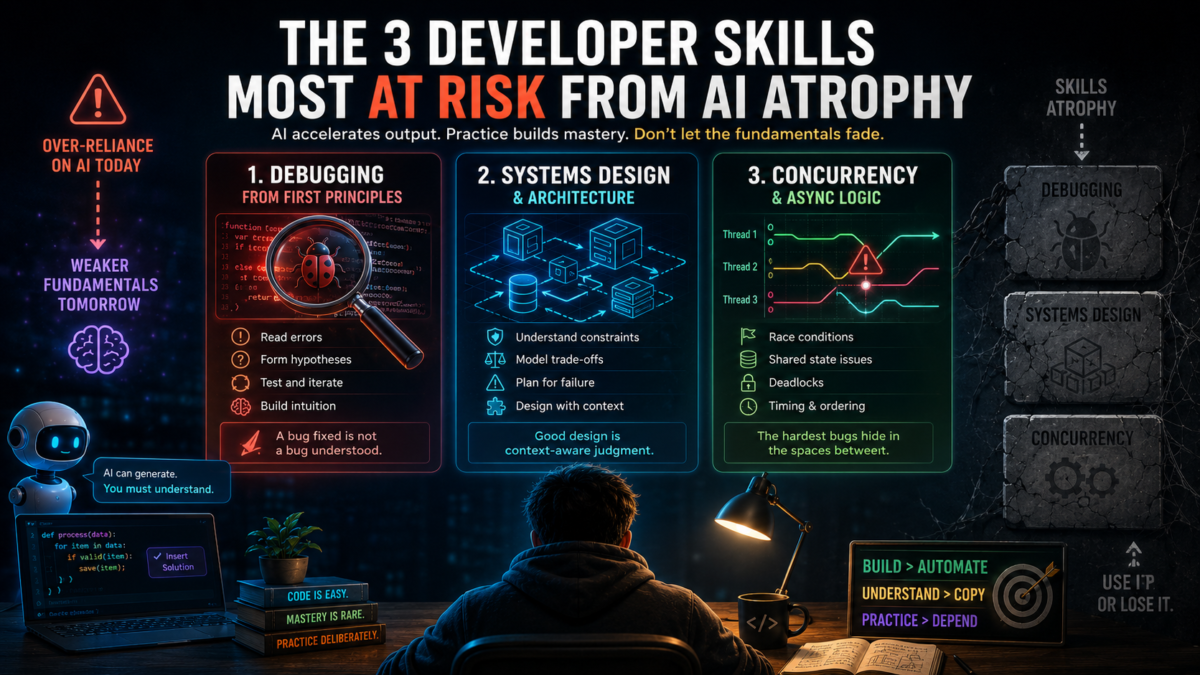
Debugging From First Principles
AI fixes bugs fast. It also removes the most educational part of the debugging process: reading the error, forming a hypothesis, testing it, being wrong, adjusting. Developers who accept AI fixes without working through the diagnosis first are skipping the step that builds debugging intuition. A bug fixed is not the same as a bug understood.
Systems Design and Architecture
AI generates architecturally plausible code — code that follows common patterns but does not know your system’s specific constraints, failure modes, or non-functional requirements. Developers who let AI make architectural decisions early in a project miss the reasoning process that builds design judgment. The AI technical debt that results — covered in the full guide on this site — is one of the most expensive consequences of this pattern.
Concurrency and Async Logic
This is the highest-risk area. AI-generated async code passes sequential tests and fails under concurrent load. Race conditions, shared state problems, and deadlocks are the class of bugs AI handles worst — and because the code looks correct and the tests pass, developers rarely investigate deeply. Concurrency is also the skill that requires the most deliberate practice to build. If AI removes the practice opportunities, the skill does not form.
AI Skill Atrophy Risk by Skill Area
| Skill Area | Atrophy Risk | How to Protect It |
| Debugging from first principles | 🔴 High — AI fixes before dev investigates | Force yourself to read the stack trace first — before asking AI |
| Systems design | 🔴 High — AI generates without architecture context | Design on paper before prompting. Explain your design to AI, not the other way around |
| Concurrency & async | 🔴 High — AI misses race conditions | Write concurrent tests manually. Never let AI test its own concurrency logic |
| Security patterns | 🟡 Medium — AI knows patterns but misses context | Own all auth and payment code personally — no AI first drafts here |
| Code reading | 🟡 Medium — AI explains instead of dev reading | Read unfamiliar code yourself first. Use AI to confirm, not to replace |
| Boilerplate / CRUD | 🟢 Low — safe to delegate fully | Delegate freely — this is the right use case for AI |
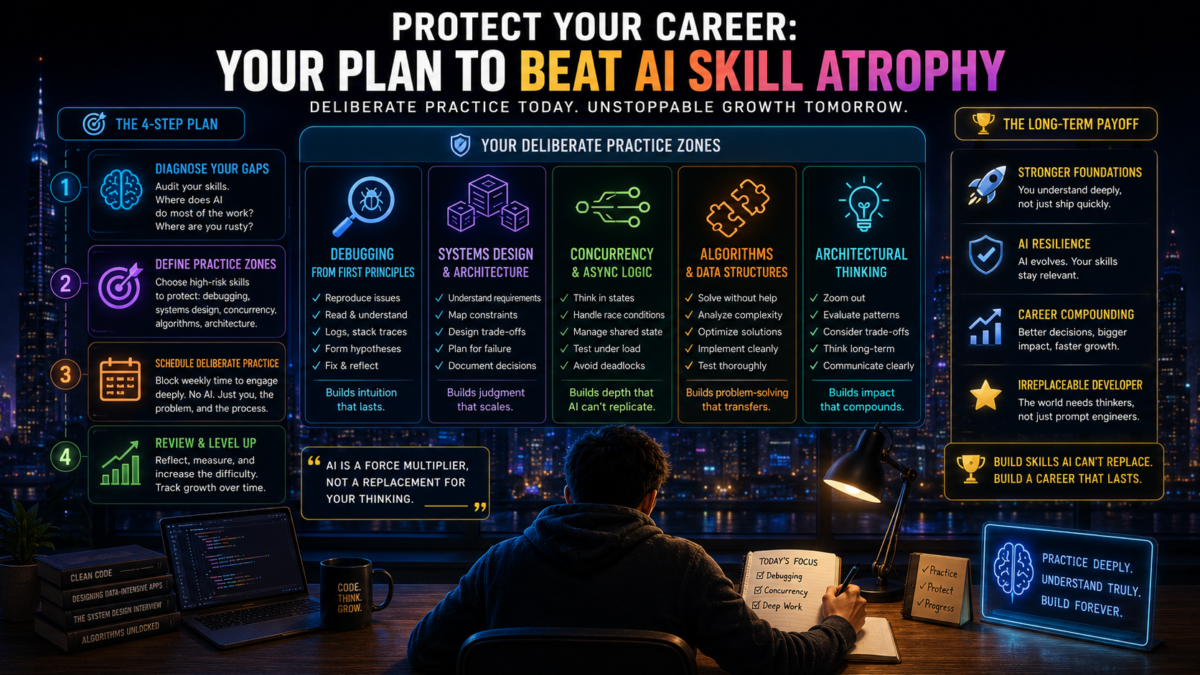
How to Stop AI Skill Atrophy From Affecting Your Career
Read the Error Before You Ask AI
This one habit addresses the biggest source of atrophy. Before you paste an error into Claude Code or Cursor, spend two minutes reading it yourself. Form a hypothesis. Check the line numbers. Think about what the code was trying to do when it failed. Then ask AI. You will often find you already know the answer. When you do not, the thinking you did first makes the AI’s explanation stick in a way that reading a fix cold never does.
The developers who are maintaining their fundamentals in 2026 are not using AI less. They are using it later in the diagnostic process — after they have already engaged with the problem. This keeps the cognitive work happening even when AI handles the implementation.
Design on Paper Before You Prompt
For any non-trivial feature, sketch the design before you open the AI tool. Not a complete spec — just the main components, the data flow, and where the complexity lives. Then use AI to implement the design you made, rather than letting AI make the design for you. This preserves the systems thinking practice while still getting the speed benefit on implementation.
This is especially important for junior developers. The METR research that showed developers getting slower with AI — covered in the AI coding workflow fix guide — found the slowdown was worst for developers who delegated planning to the AI rather than implementation. Planning is the skill. Do not delegate it.
Write Tests for Your Own Logic First
Before AI generates code, write the edge case tests yourself — null input, empty collections, concurrent requests, boundary values. Then see if the AI’s implementation passes them. This practice does two things: it forces you to think through the problem domain before seeing the solution, and it creates tests the AI cannot game by writing to match its own implementation.
The same principle applies to security-critical code. As documented in the guide on AI generated code that is almost right, security vulnerabilities in AI output most often appear on edge cases that were not specified upfront. Writing those tests first means specifying the edge cases before the AI has a chance to ignore them.
Own One Area of the Codebase Completely
Pick one system, one service, or one module and know it cold — without AI assistance. Read every line. Understand every decision. When something breaks in that area, fix it yourself before reaching for AI. This deliberate practice zone preserves the debugging and comprehension skills that general AI-assisted development erodes. The METR follow-up data showed that developers with deep familiarity in specific codebases were the ones who recovered fastest from the initial productivity slowdown — depth in a familiar system remains the most defensible developer skill in 2026.
AI Skill Atrophy Mistakes Developers Keep Making
Using AI as a first resort instead of a second. The developers maintaining their skills longest are using AI after they have already engaged with the problem — not as the first move. The sequence matters: think first, then prompt.
Never writing code without AI assistance. If every line you write goes through an AI tool, you are not practicing writing code. You are practicing reviewing it. Those are different skills, and only one of them keeps you employable if the AI tool changes or disappears.
Treating AI explanations as understanding. Reading an AI explanation of why your code failed is not the same as understanding why it failed. The explanation is a shortcut to the answer. Understanding comes from working through the problem. Use AI to check your reasoning, not to replace it.
Accepting speed as the only metric. The Chainguard data shows developers spending 84% of their time on maintenance and fixing AI output. If your velocity is high but your debugging sessions are getting longer and harder, the metric you are optimizing for is hiding the skill erosion underneath.
Frequently Asked Questions About AI Skill Atrophy in Developers
Is AI skill atrophy real or just fear of new tools?
The data says it is real. The TianPan.co controlled study documented measurable differences in error-encounter rates between AI-assisted and unassisted developers, with direct implications for learning. The Chainguard report confirms time allocation has shifted significantly away from creative coding toward maintenance. These are not survey opinions — they are behavioral and output measurements. The concern is legitimate, and the fix is equally concrete.
Are junior developers more at risk than seniors?
In different ways, yes. Juniors miss the repetitive practice that traditionally builds fundamentals — the boilerplate and scaffolding that used to be the entry-level learning ground is now AI’s territory. Seniors face pressure from management to maximize AI utilization, which can push them toward delegation patterns that erode skills they already have. The junior pipeline problem has the longer time horizon; the senior atrophy problem is happening now.
Does deliberately practicing without AI help?
The research supports it. A 2026 survey cited by Vucense found that teams running controlled pilots with deliberate practice requirements — including assessments that require hand-written solutions — maintained stronger fundamentals than teams using AI freely without structure. The key is making the practice intentional and protected, not occasional.
Which developer skills are safe from AI atrophy?
The skills AI handles worst are the ones safest from atrophy — because developers still have to engage with them. System architecture judgment, security reasoning, debugging novel failure modes, and understanding a specific complex codebase deeply are all areas where AI provides limited reliable help. The skills most at risk are the ones AI handles most fluently: boilerplate, standard patterns, common algorithms. Coincidentally, those are also the skills the industry is already devaluing. The direction points the same way: build depth in judgment, not breadth in syntax.
The Bottom Line on AI Skill Atrophy in Developers
AI skill atrophy is not inevitable. It is the result of a specific pattern of AI use: reaching for the tool before engaging with the problem, accepting fixes without understanding them, delegating planning as well as implementation. Developers who use AI differently — as a fast implementer of decisions they made themselves — maintain their skills while still capturing most of the speed gains.
The developers who thrive in 2026 are not the ones who use AI most. They are the ones who use it deliberately — knowing which tasks benefit from AI speed and which tasks need human thinking to stay sharp. That distinction, practiced consistently, is what separates developers who grow with AI from developers who get replaced by it.